

Official Guide
6 Steps To Updating Your Map
A comprehensive, modern guide to upgrading your BMW navigation system with the latest maps and features.
01
Connect USB
Insert the pre-loaded USB drive with the map update into the USB port. This is typically located in the glovebox or center console armrest. Ensure the car ignition is on.
02
Start Update Procedure
The Control Display will automatically recognize the USB and prompt you to start the update. Confirm by selecting "Start update" using your iDrive controller.
03
Enter FSC Code
Using the iDrive controller, carefully enter the 20-digit alphanumeric FSC activation code that was sent to your email address after purchase.
04
Confirm Code
Once entered, select "OK" to verify the code. If the code is correct, the system will prepare the installation files.
05
Update Procedure
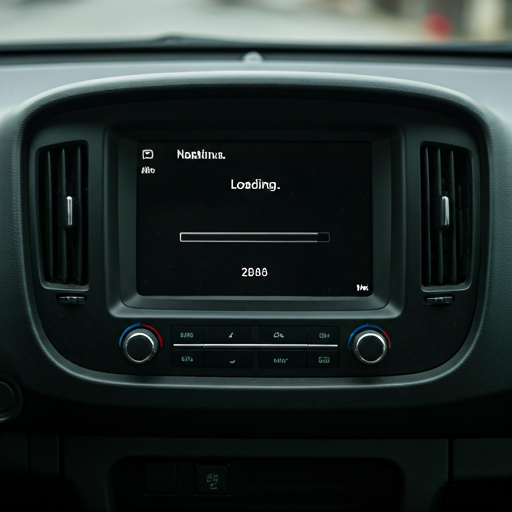
The update will begin. A progress bar will appear on the screen. The process typically takes 30-45 minutes. You can drive the car during this time, but do not turn off the engine or remove the USB.
06
Completion of Update
Upon reaching 100%, the system will automatically reboot. Verify the new map version in the navigation settings. You can now remove the USB drive.
Rated Excellent 4.9/5
Trusted by BMW Owners
Join over 20,000 satisfied drivers who have upgraded their iDrive navigation with us. Real reviews from verified owners.
David K.
2023 BMW M4 G82
"Needed the 2025 maps for a trip across Europe. The 3D maps and speed camera updates are worth it. Works perfectly on iDrive 8."
Sarah J.
2018 BMW 3 Series F30
"Ordered the USB option. Arrived in 2 days, plugged straight in, and the X5 did the rest. Support team helped on WhatsApp when I had a question."
Michael R.
2021 BMW X5 G05
"Got the download link in 2 minutes. Updated my X5 in under an hour. Dealership quoted $300 for the same thing."